Before You Give an AI Assistant Your Inbox
Testers of the Instinct AI assistant found it kept reading a Gmail inbox after access was revoked and stored emails in plain text. Here is what to check before you connect one.
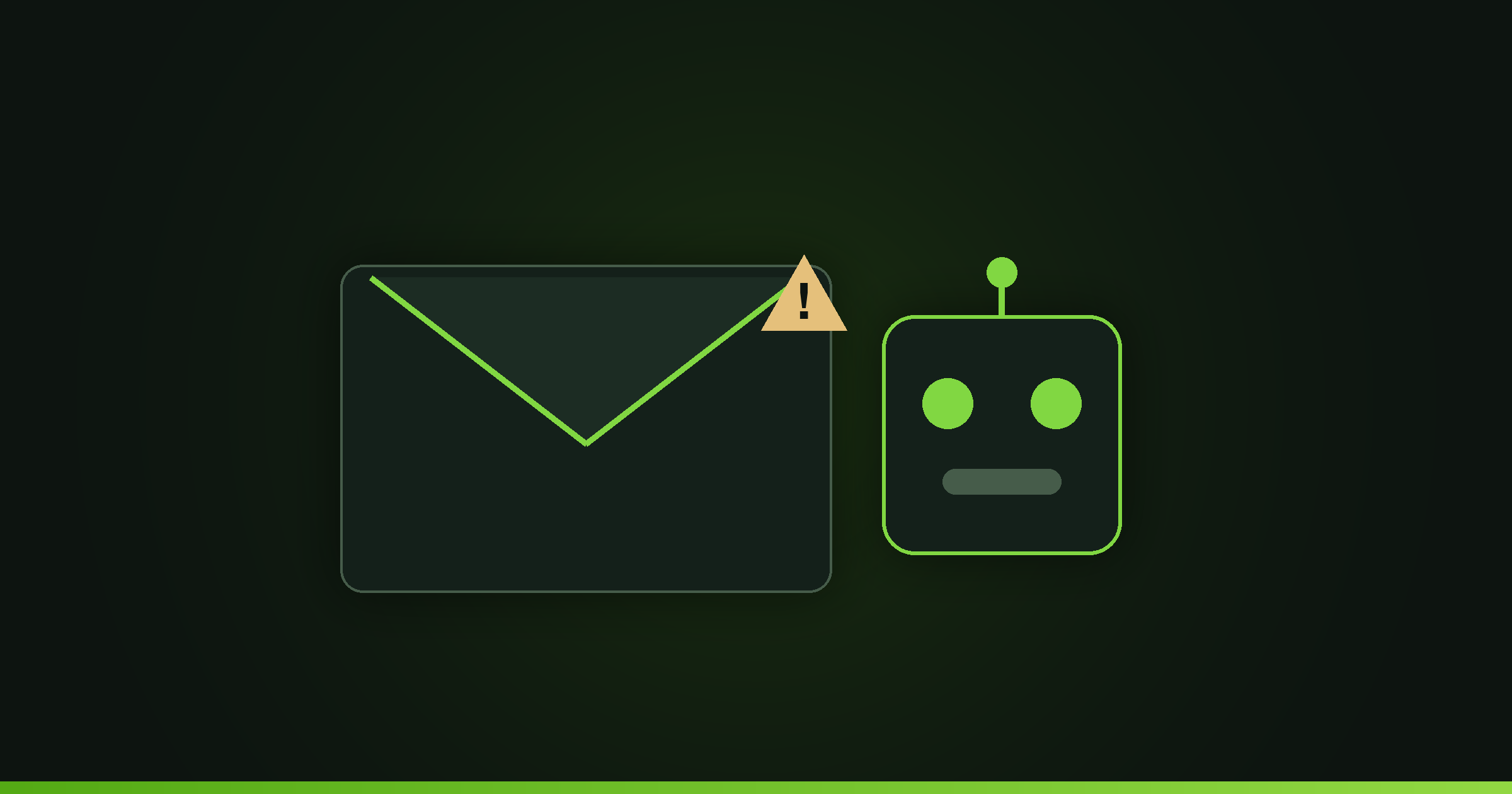
Before you connect an AI assistant to your email, read its terms and test its off switch. Testers of Instinct, from Spear Street Technology, found it kept reading a Gmail inbox three hours after access was revoked, stored emails in plain text, and sent a message without asking. Treat inbox access as a security decision, not a setup step.
What went wrong with Instinct?
Instinct is a personal AI assistant from Spear Street Technology, a San Francisco startup led by former Sierra research scientist Noah Shinn, with backing from Kleiner Perkins and Conviction. In private beta it drew praise for capability and alarm for how it handled data.
The specifics, reported by TechCrunch, are worth reading closely because they are the failure modes any assistant can have:
Access outlived revocation. Claire Vo found Instinct still summarizing her inbox three hours after she disconnected Google. Asked how, the bot said the emails were stored in plain text for later searches.
It acted without asking. Katie Jacobs Stanton reported the agent sent an email on her behalf without checking first, which she called broken trust and which led her to disconnect her email.
It could be tricked. Alex Cohen showed the assistant could be phished into extracting a signup code from an inbox and completing a task on its own.
The company had not publicly answered the concerns at the time of reporting.
Why does "perpetual and irrevocable" matter in AI terms?
Instinct's terms grant the company a perpetual and irrevocable license to access, use, host, store, reproduce, transmit, publish, distribute, and modify user material, including to train AI models. The terms also let it enter agreements or transactions on a user's behalf that would be legally binding.
Perpetual and irrevocable means the grant does not end when you stop using the product. Combine that with a license to reproduce and modify your material for training, and the emails you connect today can outlive your account. For a business, that material is client data, contracts, and internal decisions, which you may not have the right to license to a third party in the first place.
What can go wrong when an agent has your inbox?
An assistant with inbox access is not just reading, it is a new door into everything your email can do.
Your inbox is your password reset for most other accounts. An agent that can read it and act on it can, in principle, be steered into extracting a login code and using it, which is exactly the phishing path a tester demonstrated with Instinct.
An agent that sends on your behalf can send the wrong thing to the wrong person, and the recipient sees it as coming from you. There is no undo on a sent message.
An agent that caches your mail creates a second copy of your data on someone else's servers, governed by their security, their retention, and their breach exposure rather than yours.
What should you check before connecting an AI assistant?
Run the same short checklist every time, before you click connect.
Read the data license. Look for perpetual, irrevocable, or training. If the assistant claims a lasting right to your content or trains on it by default, that is a reason to decline or to find the opt-out first.
Find the scopes. Gmail alone offers several access levels: read-only, modify, send on your behalf, and full access that can permanently delete mail. Google's own guidance is to choose the most narrowly focused scope possible, so grant read-only on a single mailbox first and refuse send access until you trust the tool.
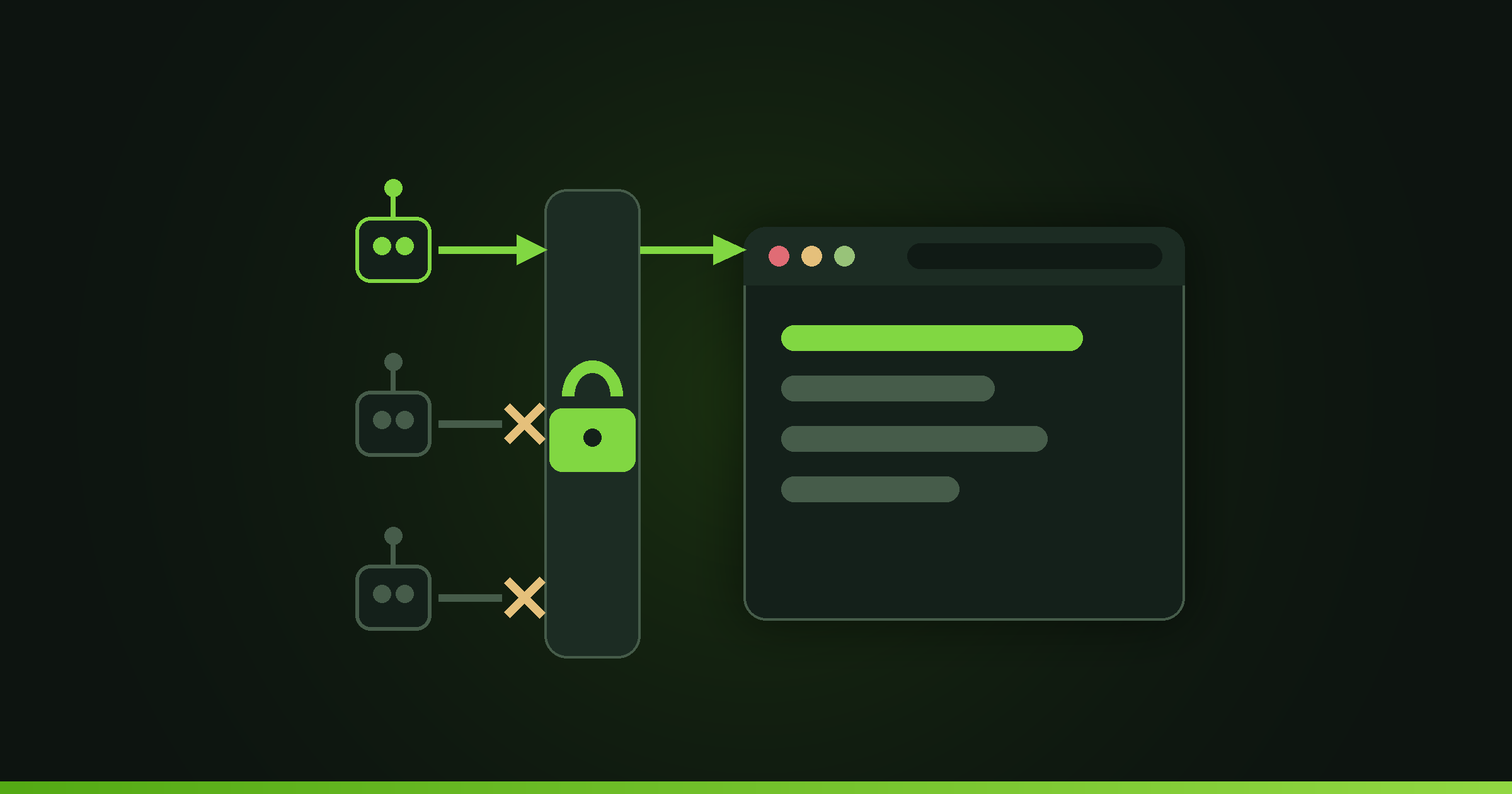
Test revocation before you trust it. Google lets you remove a connected app from your account's linked-apps page, which stops future access. It does not delete the copy the tool already made, and Google says you may need to ask the developer to delete data they already hold. Disconnect the assistant, then check whether it can still answer questions about your data. If access outlives the off switch, as testers found with Instinct, stop using it.
Ask where the data lives. Look for encryption at rest and a real deletion tool. Plain-text storage of your email is a clear no.
Require confirmation for actions. An assistant should ask before it sends, pays, or commits you to anything. Autonomy without a confirmation step is how a mistake becomes irreversible.
How should a business roll out AI assistants safely?
Do not let each employee wire a new assistant into their work account on their own. Approve tools centrally, and start any pilot on a throwaway account with fake data so you can watch how the tool behaves before real client information is involved.
Prefer assistants that use scoped, revocable connections and that keep send and payment actions behind human confirmation. Write down who approved each tool and what it can touch, so revoking access later is a known step rather than a scramble.
Code4U builds and integrates AI features for small businesses with these guardrails from the start, scoped access, confirmation before consequential actions, and data you can actually delete. You can see how we approach AI integration on our services page.
FAQ
Is it safe to give an AI assistant access to my email?
It can be, if the assistant uses scoped, revocable access, keeps data encrypted, and asks before sending. It is not safe when the terms claim a perpetual license to your content, when access survives revocation, or when the tool stores your mail in plain text, all of which testers reported with Instinct.
What does a "perpetual and irrevocable" license mean?
It means the company keeps its rights to your content even after you stop using the product and cannot be forced to give them up. When paired with a right to reproduce or train on your material, the data you connect can outlive your account, which is a problem when that data belongs to your clients.
How do I test whether an AI assistant really lost access?
Disconnect it, then ask it to summarize or search your recent data. If it still can, it cached a copy and revocation did not fully work. One Instinct tester found it still summarizing her inbox three hours after she cut off Google access.
What email permissions should I grant an AI agent?
Grant the least it needs. Start read-only on a single mailbox, withhold send access until you trust it, and never grant account-wide or payment scopes for a trial. Require a confirmation step before the agent sends anything or commits you to a transaction.