Should You Block AI Crawlers on Your Site?
Cloudflare's September 15 change split AI crawlers into search, training and agent traffic. Here is which ones to allow, which to block, and why blocking training does not cost you search visibility.
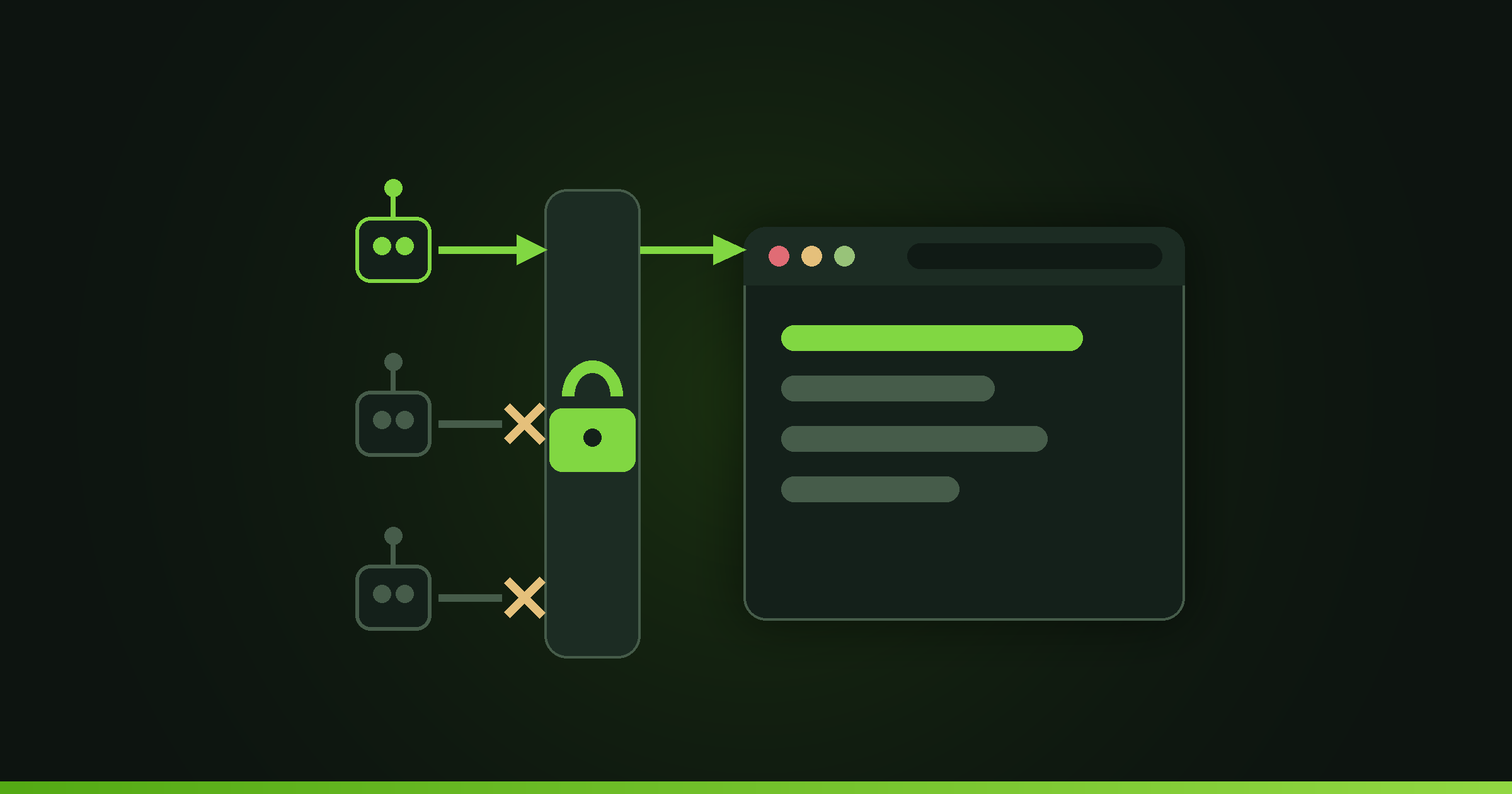
Block training, allow search, and decide on agents deliberately. Cloudflare's September 15, 2026 change extends its ad page blocking to mixed use crawlers and adds Disallow AI Training to recommended configs for new domains. Anthropic, OpenAI, Meta and Amazon run separate training crawlers, so blocking training there costs you nothing in search.
What changed at Cloudflare on September 15, 2026?
Cloudflare made four changes on that date, per its own announcement. Block and Block on pages with ads now apply to mixed use crawlers. The old blunt Block AI Bots control is being deprecated in favour of granular ones. Managed Robots.txt is being deprecated in favour of Bot Preference Sync. And Disallow AI Training became part of the recommended configuration for new domains.
Existing customers do not need to act. Cloudflare says existing preferences are migrated to the new controls, with most carrying over automatically.
TechCrunch, reporting the policy when it was announced in July 2026, described the scope of the new defaults as applying to new Cloudflare customers, new sites set up by existing customers, and all existing free customers, with mixed use crawlers blocked by default from pages that host ads. If your site is new or on a free plan, the defaults changed under you. If it is an established paid site, your old settings were carried forward and you now have finer controls than you had before.
What are the three crawler categories?
Cloudflare now classifies bots by behaviour rather than by company, which is the change that makes a sensible policy possible. Its definitions:
Search is crawling to build a search index. This is the traffic that sends people to you.
Training is crawling to train or fine tune a model. This is the traffic that takes your content and gives you nothing back.
Agent is user directed agents visiting a page on behalf of a human, such as chat fetch bots and browser use agents. This is a real person who asked a question and whose assistant is fetching your page to answer it.
The distinction between training and agent is the one most site owners get wrong, and it is the expensive mistake. Blocking training protects your content. Blocking agents makes your business invisible to someone who is actively trying to find an answer you have.
Which AI companies separate search from training?
This is the detail that makes the decision easy, and it is in Cloudflare's post.
Amazon, Anthropic, Meta and OpenAI run what Cloudflare calls accountable training only crawlers. Their training traffic is separated from their search traffic, which means blocking training does not affect your discoverability through them.
Apple's Applebot, Google's Googlebot and Microsoft's Bingbot are accountable mixed use crawlers. The same crawler does search and training, which is exactly the problem Cloudflare built the new setting for. Its Disallow AI Training option lets you, in its words, stay indexed for search while refusing to let that same crawler train on your content, and it publishes the applicable no training preference in robots.txt while leaving accountable mixed use crawlers allowed for search.
So the old trade off, where refusing to feed model training meant risking your Google ranking, is not the trade off any more.
Will blocking AI crawlers hurt your visibility in AI answers?
It depends entirely on which category you block, and this is where a careless setting does real damage.
Block training only: you keep search indexing and you keep agent traffic, so a person asking ChatGPT or Claude about your service area can still have your page fetched and cited. This is the setting most small businesses want.
Block agents too: you remove yourself from the fetch path that answer engines use to ground a response in current pages. For a business whose customers increasingly start with a chat assistant rather than a search box, that is closing a channel to save bandwidth.
There is a real cost on the other side, which Cloudflare quantifies: more than 50% of crawl traffic from AI crawlers is spent re fetching unchanged pages. If your hosting bill is driven by crawler volume, that number is your justification for tightening things. Just tighten the category that is wasting the bandwidth rather than the one bringing you customers.
How do you find out which bots are hitting your site?
You cannot set a sensible policy against a list of user agent strings you do not recognise.
Fingerprint launched a free public Bot Directory in September 2026 that lists roughly 150 bots, agents and crawlers. Each entry carries the bot's name, its operator, a classification such as search crawler, AI agent or browser automation, a verification status of Verified, Signed or Unknown, and a short description of what it does. Signed means the bot uses Web Bot Auth to prove its identity cryptographically, which is the emerging way to tell a real Anthropic or OpenAI crawler from something wearing its name.
The practical use is simple. Pull the top unfamiliar user agents out of your server or Cloudflare logs, look each one up, and you have a real allow and block list instead of a guess. Fingerprint also lets developers test their own bots for inclusion, which matters if you operate a crawler or agent yourself.
What settings should a small business actually pick?
For a typical services or ecommerce site with no paid content, Code4U's default recommendation is: allow search, allow agent, disallow training. You stay findable, you stay quotable by the assistants people actually ask, and you stop donating your content to model training runs.
Change that if your situation differs. If your content is the product, a documentation library or a paid archive, look at Cloudflare's pay per crawl work, which TechCrunch reports is evolving into a Pay Per Use model letting publishers charge AI companies when content generates value beyond the fetch itself, with Ceramic.ai and You.com as initial partners. If crawler bandwidth is genuinely hurting your hosting costs, Block on pages with ads is the narrow tool for that.
Then check it, because a setting you believe is in place and is not is worse than no policy. Look at your actual crawler traffic a week later and confirm the categories you meant to block are blocked.
Being readable by answer engines is now part of building a site properly, which is the same reason the EU's classification of ChatGPT as a search engine mattered. Code4U handles crawler policy and answer engine visibility as part of its web work.
FAQ
Should I block AI crawlers on my website?
Block training, allow search, and in most cases allow agent traffic. Cloudflare's Disallow AI Training setting keeps you indexed for search while refusing model training, and publishes that preference in robots.txt. Blocking agent traffic is the choice to be careful about, since that is a real person's assistant fetching your page to answer their question.
Does blocking AI training hurt my Google ranking?
Not with the current controls. Cloudflare's Disallow AI Training setting lets you stay indexed for search while refusing to let a mixed use crawler train on your content. Googlebot, Bingbot and Applebot are mixed use, which is what the setting exists for. Amazon, Anthropic, Meta and OpenAI run separate training crawlers, so blocking those does not touch search at all.
What changed for Cloudflare users on September 15, 2026?
Block and Block on pages with ads began applying to mixed use crawlers, Block AI Bots started being deprecated in favour of granular controls, Managed Robots.txt gave way to Bot Preference Sync, and Disallow AI Training joined the recommended config for new domains. Cloudflare migrated existing customers' preferences automatically, so most needed no action.
How can I tell which bots are crawling my site?
Pull the unfamiliar user agents from your server or Cloudflare logs and look them up in Fingerprint's free Bot Directory, which lists around 150 bots with their operator, category, and a Verified, Signed or Unknown status. Signed entries use Web Bot Auth, meaning the bot proves its identity cryptographically rather than just claiming a name.